Lifeline Free Laptop: What It Actually Covers
A Lifeline free laptop is not a standard federal Lifeline benefit. Lifeline currently helps qualifying households lower the monthly cost of phone, internet or bundled service. A laptop, if a company or nonprofit offers one, comes under that organization’s separate device terms rather than from a federal Lifeline laptop guarantee.
Eligibility for Lifeline can still be useful because some independent technology programs accept Lifeline participation as proof of low-income status. That is a separate route and should not be confused with the Lifeline benefit itself.
Phone / internet service
Monthly service discount for qualifying households.
Free laptop
No standard federal Lifeline laptop benefit.
Does Lifeline give you a free laptop?
Not as a standard program benefit. The official Lifeline program is structured around a monthly discount on qualifying communications service. The phone or internet company manages the service and answers questions about any device it separately provides.
Lowers the cost of service
Qualifying households can apply the Lifeline benefit to eligible phone, internet or bundled service from a participating company. The federal program sets eligibility and benefit rules; the service provider manages the actual account.
A laptop for every household
There is no standard Lifeline rule that says an approved household receives a laptop. If an advertisement adds a computer, tablet or other hardware offer, verify who supplies it and what separate price, service and inventory rules apply.
What can the federal benefit pay toward?
The amount depends on the service and whether the subscriber lives on qualifying Tribal lands. These are service discounts, not laptop credits.
Up to $9.25 per month for eligible standard Lifeline internet or bundled service.
Current consumer guidance lists up to $5.25 per month for qualifying phone-only service.
Eligible households on qualifying Tribal lands can receive an enhanced discount of up to $34.25 per month on phone, internet or bundled service.
Lifeline eligibility in 2026
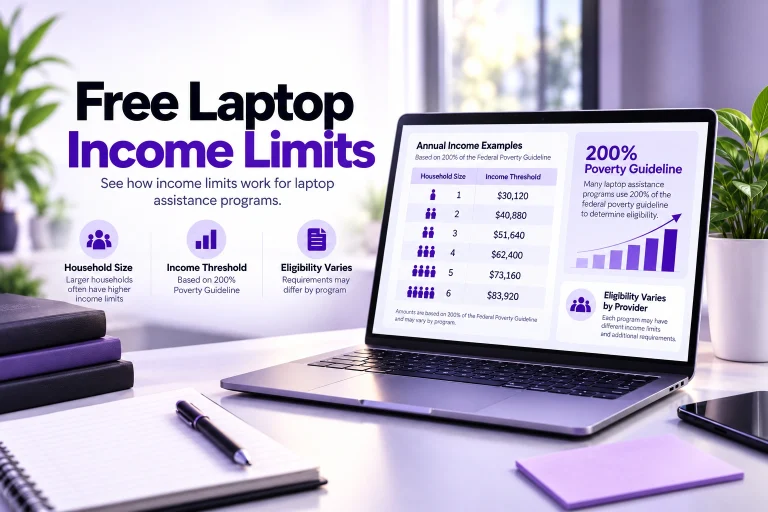
A household can qualify through income or participation in an accepted government assistance program. The current income standard is 135% or less of the Federal Poverty Guidelines, with dollar limits changing by household size and location.
Compare laptop-program eligibility →The qualifying dollar amount changes by household size. Alaska and Hawaii also use different guideline amounts from the contiguous states, D.C. and participating territories.
Current standard program routes include SNAP, Medicaid, SSI, Federal Public Housing Assistance, and the Veterans and Survivors Pension Benefit.
Eligible Tribal-land households can also qualify through specific Tribal programs such as BIA General Assistance, Tribal TANF, qualifying Tribal Head Start and FDPIR.
Lifeline permits only one benefit for a household that shares income and expenses. It is not one benefit for every person living at the address.
Separate the Lifeline benefit from the laptop offer
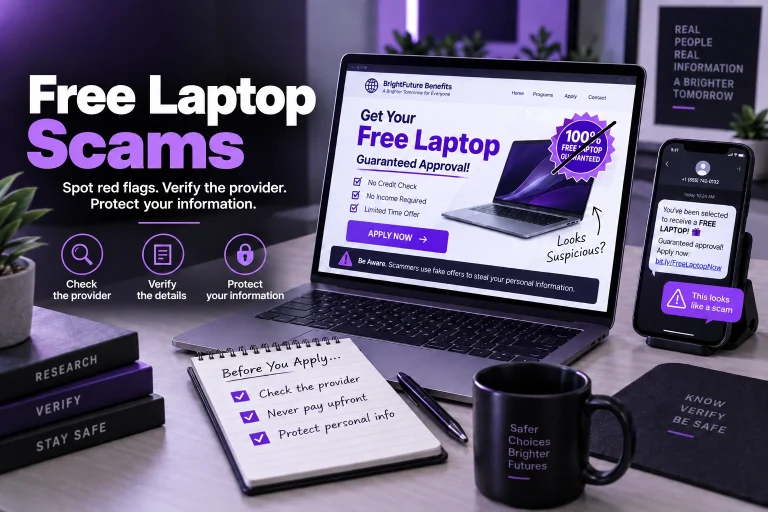
The words “Lifeline” and “free laptop” appearing together do not prove that the federal program pays for the laptop. Follow the actual device terms.
Who supplies the device?
Identify the company, nonprofit or other organization that owns the hardware offer. The Lifeline administrator does not maintain a universal laptop inventory for approved households.
Is it really $0?
Check activation, shipping, service-plan, upgrade and device charges. A provider may call an offer “free” while separate service or transaction costs still apply.
Is a laptop actually in stock?
Some service providers focus on phones or tablets rather than laptops. Never assume Lifeline eligibility means a specific laptop model or any laptop inventory is available.
Lifeline vs. the former ACP device benefit
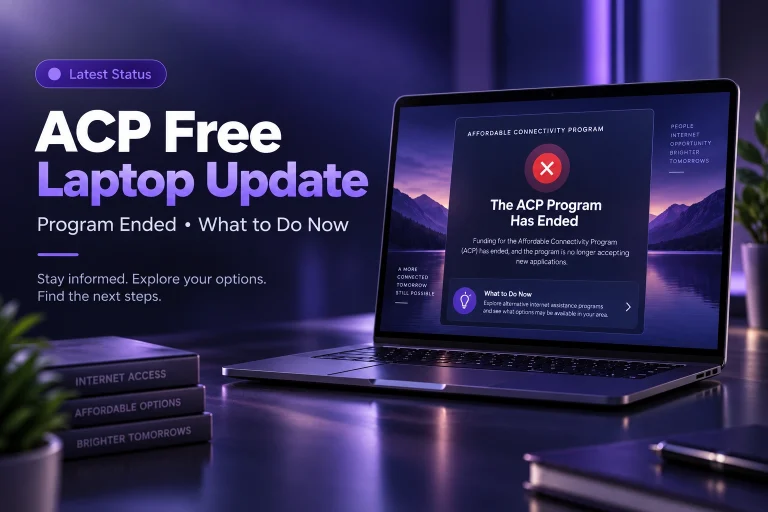
Much of the “government laptop” confusion comes from mixing Lifeline with the Affordable Connectivity Program. ACP had a separate one-time connected-device discount while it was active. Lifeline does not simply inherit that old ACP laptop/tablet rule.
Apply for service first — not for a federal laptop
Current Lifeline guidance breaks the process into qualification, connection with a participating company, and applying the benefit to eligible service.
Check qualification
Apply through the National Verifier in most states using qualifying income or government-program participation. Oregon and Texas use state processes instead.
Choose a participating company
After eligibility is established, select a participating phone or internet provider that serves your area and offers the service you need.
Apply the monthly benefit
The provider enrolls the household in Lifeline-supported service. Any separate device offer should be reviewed under that provider’s own hardware terms.
Lifeline has ongoing household rules
Approval is not the end of the process. Lifeline has rules for household duplication, annual eligibility checks and service use.
People living at the same address can be separate Lifeline households only when they do not share income and expenses and meet the program’s household rules.
USAC or the applicable state process can recertify eligibility each year. If recertification is required, it must be completed by the stated deadline to keep the benefit.
If the subscriber does not pay anything out of pocket for Lifeline service, current program guidance requires use at least once every 30 days to avoid de-enrollment after notice.
Lifeline can lower a service bill. It does not guarantee a laptop.
If you need a computer, verify a separate active laptop provider or nonprofit program. Use Lifeline participation as eligibility evidence only when that organization explicitly accepts it.